
Why Your Phone Number Might Be a Security Risk
In the age of mobile, we’re asking more of our phone numbers than ever—and that makes them potential targets for security breaches. Here are a few strategies to ensure you’re properly locking things down both personally and in your organization.
Heads up: this content is over 5 years old, so some information may be out of date.
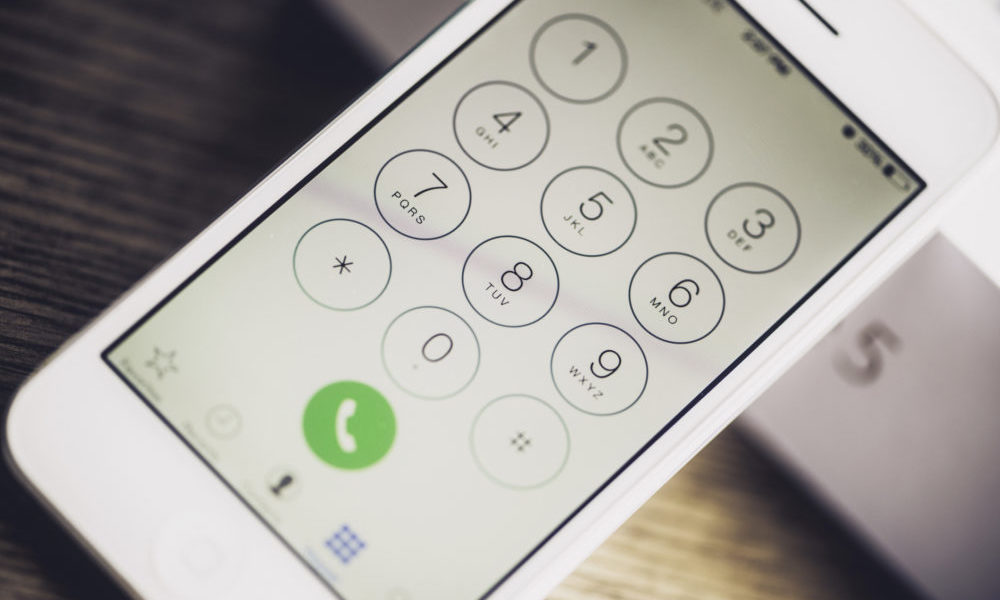
As you are probably aware, two-factor authentication is considered a key element of account security in 2017. For more reasons than one, it beats using a password alone.
But that doesn’t mean it’s foolproof. As I wrote on this blog last year, the weaknesses of SMS led the federal government to discourage its use for two-factor authentication.
And like Social Security numbers, which are the subject of a whole lot of hand-wringing at the moment because of the Equifax security breach (opens in a new tab), most two-factor solutions have a weakness: They’re attached to a highly sensitive piece of information—your phone number.
In recent years, phone numbers have gained surprising importance as a security vector. For example, Facebook, Twitter, and WhatsApp allow you to log in (opens in a new tab) with a telephone number in place of a username these days. But phone numbers, like it or not, are not foolproof.
A key example comes from the world of cryptocurrency. In recent months, a spate of incidents involving people who own bitcoin has sparked a lot of discussion on security standards for telephones.
The way the hacking occurred was fairly low-tech. Basically, the hacker likely reached out to the user’s mobile provider and said he was having an issue logging in.
John Biggs, a journalist best known for writing at TechCrunch, reported last month that he was targeted by a hacker who apparently had deduced he had some bitcoin. Biggs was fast on the trigger and prevented his bitcoin from being stolen, but he had to reset the SIM card on his phone because of the incident.
“All of the two-factor notifications went, by default, to my phone number, so I received none of them and in about two minutes I was locked out of my digital life,” Biggs wrote in a harrowing recap (opens in a new tab).
The way the hacking occurred was fairly low-tech. Basically, the hacker likely reached out to the user’s mobile provider and said he was having an issue logging in. Tricking the customer support person, the hacker then got access to Biggs’ various accounts.
This wasn’t an isolated incident—The New York Times reported on the issue (opens in a new tab) recently— and the four major mobile providers are responding by coming together in a joint effort to combat this emerging security threat.
The Mobile Authentication Taskforce—a project of AT&T, Sprint, T-Mobile, and Verizon, with support from the international mobile group GSMA—hopes to have a new authentication solution available to consumers and enterprises alike by next year.
“At a time when online and digital services are commonplace, security and authentication are issues that affect us all,” GSMA Chief Technology Officer Alex Sinclair said in a news release (opens in a new tab). “Through strong collaboration, the taskforce announced today has the potential to create impactful benefits for U.S. customers by helping to decrease fraud and identity theft and increase trust in online transactions. Further, we will be working closely with the taskforce to ensure this solution is aligned and interoperable with solutions deployed by operators.”
But that solution is a ways off. In the meantime, here are a few suggestions to keep your information safe:
Consider using a softphone number as a public-facing backup. If you’re relying on your smartphone for essential two-factor logins, it might not be a good idea to promote your mobile phone number to the world, say in your email signature. Instead, you may consider using a secondary tool—like Google Voice (opens in a new tab), Sideline (opens in a new tab), or even a forwarding service for your business line—to manage these calls instead, making your cellphone number less apparent to the world. As I wrote in a recent piece covering an ASAE Annual Meeting session, those looking for your info won’t be afraid to connect the dots, so give ’em one less dot to connect.
Strong passwords are still ideal. Let’s say someone figures out your phone number and is trying to break into your account. What happens next? Clearly, they’re going to go for your password, and it should be difficult to either guess or crack with brute force. Two-factor authentication is no excuse for a bad password.
Use an alternative to SMS, if one’s offered. Two-factor got its start using the texting protocol, but texting’s security weaknesses have become apparent as the protocol has aged. As an alternative, companies like Google and Facebook have created ways to confirm your identity by entering a number through an app on your phone. Google has a diverse array of two-factor alternatives, including one that works simply by opening up the Google app on your phone.
Try a random-code generator. For enterprise use cases, app-agnostic two-factor platforms could be just the ticket both for users and organizations. The two most popular, Google’s Authenticator (opens in a new tab) and Twilio’s Authy (opens in a new tab), verify your identity by requiring you to type in a code displayed on your phone at that moment. These tools are often used on mainstream platforms like social networks and email providers, but they can prove effective for securing enterprise apps, too. If you have users who travel a lot, limiting their use of a specific tool by IP address may not be realistic. A tool like Authy or Google Authenticator could be a good alternative.
Ultimately, though, you gotta use your head here. Sharing information online is a minefield. The best way to stay safe is by being realistic about what could go wrong even under the best of conditions.
(CatLane/iStock Unrelease/Getty Images Plus)

Comments
Comments are for ASAE members. Learn more about comments on this site.
Log in to your member account or join ASAE!