
Article Marketing / Communications 4 min read
Three Steps to Starting a Podcast

Heads up: this content is over 5 years old, so some information may be out of date.
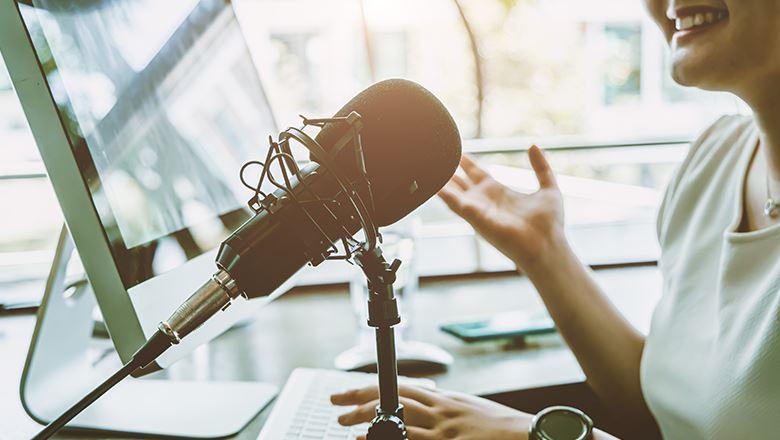
Whether or not the idea to start a podcast is yours, your supervisor’s, or from a board or committee member, if you’re starting from scratch without a background in audio, it might seem daunting. I thought so too, until I was tasked with rebooting a dormant podcast while bringing an additional three podcasts online (opens in a new tab) over the course of one year without any experience in audio editing or published podcasts under my belt.
Through that experience, I learned a few things about ramping up a podcast (opens in a new tab). These are three important steps for getting started.
Step One: Explore
Take a deep breath. You don’t need to reinvent the wheel. If you’re not an active listener of podcasts, try a few out so you can see how they are arranged. Apple, Google, Amazon, and Spotify all carry podcasts, they’re free, and there’s one on just about any topic, so you’re bound to find something you like.
Step Two: Plan Ahead
It’s an exciting challenge to try something new, so get excited! Think about all the things you’ll need in advance:
Equipment/hardware. Whatever online meeting tool you are already using (like Zoom) that will allow you to record audio and video will work. You do not need an expensive mic, just a reliable internet connection for clear audio.
Music. You probably don’t have a musician on staff, but don’t fret, the cost of getting all the music you need will run just about $100 per podcast channel. If you haven’t utilized Fiverr (opens in a new tab) for help on other projects yet, you will find it a great place filled with creative people willing to help you on a budget. I’ve used the same Fiverr musician (opens in a new tab) for all four podcasts, and each one has a different sound for its specific audience.
Podcasts are most successful when they can build up an audience of regular listeners. Aim to produce episodes on a regular schedule, but start small to get the hang of things.
Editing software. If your organization already has Adobe Creative Cloud subscriptions, you should have access to Adobe Audition. If not, here’s a great overview of other audio editing software (opens in a new tab). These usually come with quick 10-minute tutorials, which teach you the basics. That’s how I learned to use Audition. Prices range from free to monthly subscriptions (about $30 per month) to one-time purchases of $200. There’s also the option to get relatively inexpensive outside help. When we first began, I had five episodes to edit and found someone to complete the work for $100 on Fiverr.
Podcast hosting site. You will need to host your podcast somewhere to create the RSS feeds that the distributors, like Apple, use to get your show out to the masses. There are tons of options (just look at this list (opens in a new tab)), but we’ve opted for Captivate. Depending on your needs, you will find something that fits your organization and budget. Once you’ve got your hosting site set up, it’s a matter of submitting your podcast to different distributors. For Apple you will need a developer ID, but Google, Amazon, and Spotify have a simple upload process.
Step Three: Capture Your Content
Podcasts are most successful when they can build up an audience of regular listeners. Aim to produce episodes on a regular schedule, but start small to get the hang of things. Consider a monthly or quarterly schedule.
Prepare your hosts and guests by giving them a script for the opening and closing of the podcast. This should fit on one sheet and include an introduction from the host stating their name and welcoming listeners to the podcast. Be sure to include the name of the podcast and introduce the featured guests. Your outro will be similar, thanking the guest and listeners and saying goodbye for now from the podcast.
Podcast content is less formal than webinars or lectures. It’s a conversation, so the stakes are usually a little lower. If the content is not time- sensitive, attempt to arrange several recordings in advance of launching so you have a few episodes ready to go.
You can also repurpose webinar or conference session recordings and release them as podcasts. You can even break them into chunks if they are too big to fit within one episode. Have one of the presenters from the session act as host and explain that the podcast was originally part of a webinar or conference. It’s a great way to stretch content when original content isn’t available.
Now you’re ready to hit the record button. With time and persistence, you should be ready to build a successful podcast.

Comments
Comments are for ASAE members. Learn more about comments on this site.
Log in to your member account or join ASAE!